
What site managers say actually helps, and what they ignore
Most housebuilders can tell you their site team’s adoption rate for the central system. Fewer can tell you why it sits where it does.
We asked site managers directly, across a range of developments, what they actually use day to day and what they’ve quietly stopped bothering with. The pattern was consistent enough to be worth writing down.
The phone tells the real story
Ask a site manager what’s on their phone and you’ll get roughly the same list every time. WhatsApp for the team. The camera roll for snag photos. Notes for the running list of things to chase. Email for buyer queries that can’t wait. The BCO portal for booking inspections. And, somewhere in there, the company system.
That’s six tools doing the job of one, and the company system usually isn’t the one doing the most work. It’s the one getting updated last, often on a Friday afternoon, from a week’s worth of scattered notes, texts, and photos that need matching back to the right plot from memory.
Head office sees a single branded system. The site manager is living in six.
Why Friday afternoon is the real bottleneck
Ask most housebuilders where their data quality problems come from and they’ll point at training, or discipline, or “getting the site team to actually use the thing.” That’s rarely the real cause.
The real cause is timing. A snag noticed on Tuesday, photographed on a phone, and not logged until Friday has already drifted. The site manager is working from memory by then, and memory doesn’t hold up against 20 plots. Photos get attached to the wrong unit. Sign-offs get recorded from recollection rather than from the moment they actually happened. None of this is carelessness. It’s what happens when the tool that’s meant to capture information live is only ever touched at the end of the week.
This is roughly where the industry’s oft-quoted “day a week per site manager” figure on admin comes from. Not one dramatic task, but the accumulated cost of transcribing a week of scattered notes into a system that was never built to be updated on the plot.
What site managers say actually helps
When we asked what would genuinely change how they work, three answers came up again and again, in almost the same words each time. They also happen to describe exactly what we built the Housebuilder Pro mobile app around.
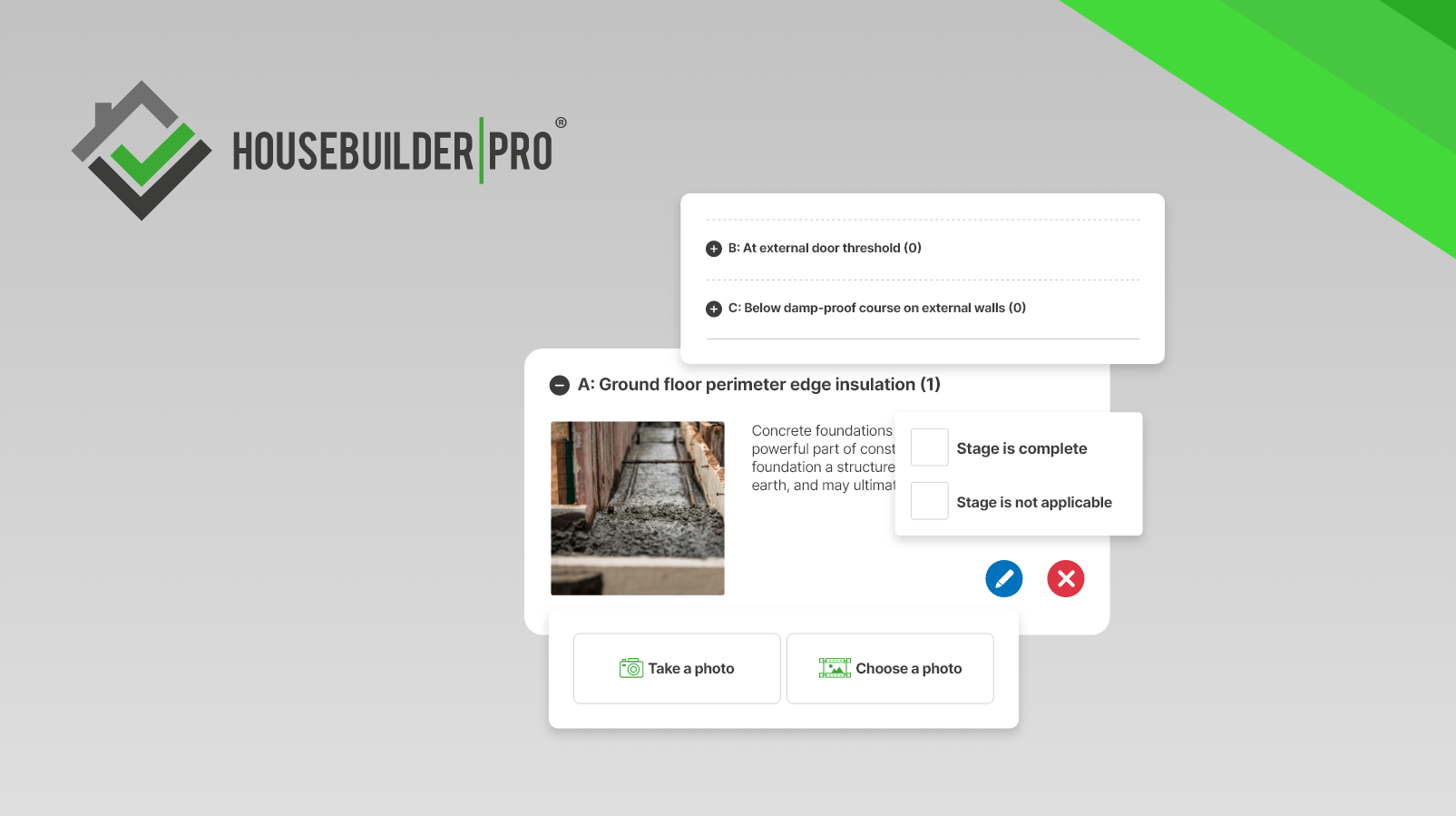
Capture on the plot, not at the desk. If a photo or a signature can be taken in the moment, on the same device that’s already in their hand, it gets taken. If it requires opening a laptop later, it doesn’t. In Housebuilder Pro, photos taken in the app attach automatically to the right plot, and snags logged on site notify the buyer through their portal in the same step.
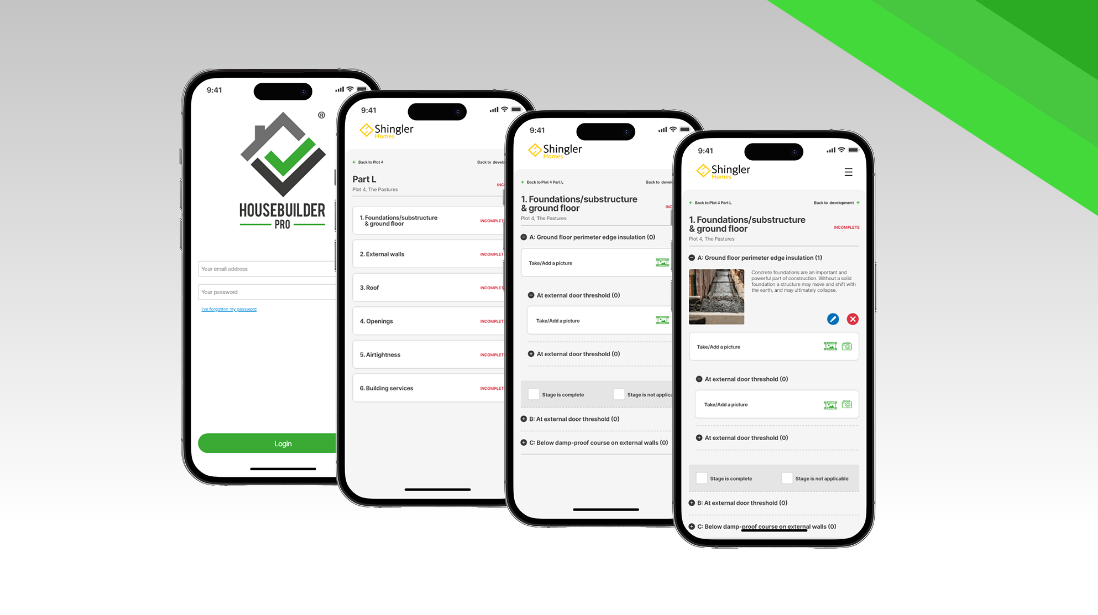
Big, simple, thumb-first screens. Interfaces designed for a mouse and a wide monitor don’t survive contact with a gloved hand and bright daylight on a screen. Site managers consistently favour tools that assume they’re standing up, moving, and probably one-handed. That’s the starting design brief for our mobile app: big buttons, built for thumbs, not pointers.
Working without signal. Building sites are not known for reliable connectivity. A system that requires live connection to log anything gets abandoned the first time it fails at the wrong moment. Housebuilder Pro works offline and syncs the moment reception comes back, so nothing gets lost waiting for a signal.
What they ignore, and why
Just as consistently, site managers described features they’d been shown, trained on, and then quietly stopped using. It’s a useful list of what not to build.
Dashboards built for directors, not for the plot. If a screen is designed to summarise progress across a whole development for someone in an office, it rarely has anything useful for the person standing in front of one specific house.
Anything requiring a second login or a second app. Every extra step between “notice a problem” and “log a problem” is a step that gets skipped when it’s raining and there are four more plots to get through before lunch.
Forms designed around head office’s reporting needs rather than the site manager’s actual moment. Fields that ask for information the site manager doesn’t have to hand, in an order that doesn’t match how the problem was actually discovered, get filled in badly or not at all.
None of this is about site managers being resistant to technology. It’s about tools being built for the wrong end of the business. We built the site-facing side of Housebuilder Pro from the other end, starting with the plot, not the office.
The 40% adoption number, explained
If your central system’s site-side adoption sits somewhere around 40%, this is usually why. It’s not a training gap. It’s not a discipline problem. It’s a tool built for the office being handed to someone who spends their day on a muddy plot with a phone as their only device, and being surprised when it doesn’t get used the same way.
Housebuilder Pro’s site app was built to close that exact gap: capture in the moment, on the plot, on a phone, syncing automatically to the record it belongs to, without asking anyone to remember anything by Friday. Compliance sign-offs are captured with a signature on the screen instead of on a paper sheet to scan later. Every photo and snag lands against the right plot the moment it’s taken, not the week after.
See exactly what the site team sees, screen by screen, and judge for yourself whether it’s the kind of tool that actually gets used.
Request a demo
Find out more about Housebuilder Pro, the only complete new homes management system designed and developed to accelerate your business.
Book via